






How to Set Up a Wishlist
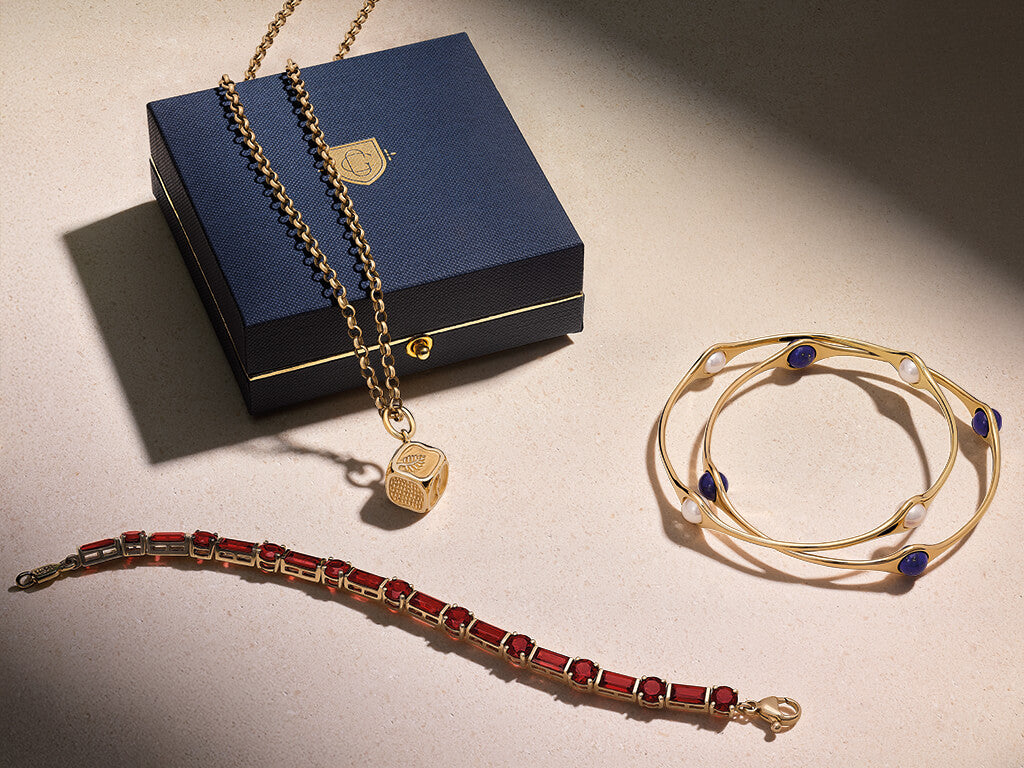
Think of your Cassandra Goad wishlist as a little space just for you. A place to save the jewels that make you pause, the ones you keep thinking about long after you have closed the page. No decisions, no deadlines, just a way of keeping track of what you love - your cart will not hold onto them, but your wishlist will.
To begin, you will need to log in or create an account with us or accept the website cookies. Once signed in, simply click the heart icon beside any jewel while browsing online. It will then be saved to your personal wishlist, ready for you to return to at any time.
You can view your full wishlist at any time by clicking the heart icon at the top right of every page. It will always be there when you return. It allows you to compare styles, reflect on what you are drawn to, and see how your tastes evolve. If your feelings change, you can easily remove a jewel by clicking the heart icon again, allowing your wishlist to remain a true reflection of your current favourites.
It can also be shared with loved ones, making gifting feel considered and personal. Instead of guessing, they can choose something you have already connected with, whether for a birthday, engagement, or meaningful milestone.
Alongside your wishlist, you will find your Saved for Later section. This is a useful place to keep jewels that you have added to your basket but are not quite ready to purchase. It allows you to move jewels out of your basket without losing them, so they remain close at hand until the moment feels right.
Your wishlist is not about urgency or expectation. It is a thoughtful tool, designed so you can return to the jewels that feel right, in your own time. If you ever need help accessing, sharing, or managing your wishlist, our team is always here to assist you.